Engineering Co-Pilot








 The Challenge
Everyone has an AI assistant today — but most fail when it comes to real work.
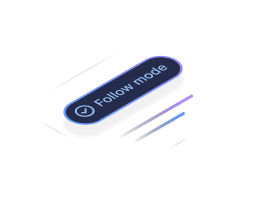
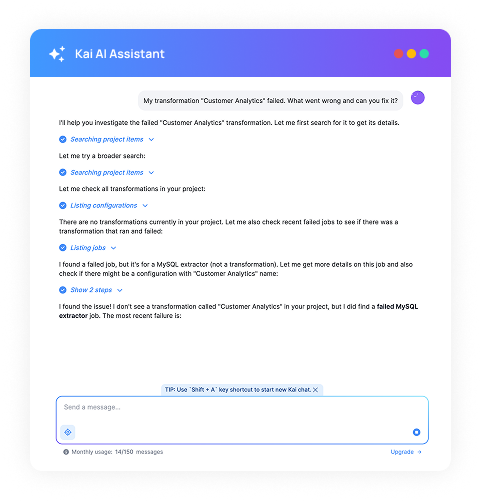
Job failed? Open Kai, type "Fix it." With follow mode enabled, Kai navigates you through the pages it's working on so you see changes in real-time. Disable it to let Kai work in the background.
We wanted to build something different — a real data engineering agent capable of managing the entire lifecycle of data processing within Keboola.
Built on guidance, safety, and control
Guided Workflows
Job failed? Open Kai, type "Fix it." With follow mode enabled, Kai navigates you through the pages it's working on in real-time.

Full Transparency
Kai asks before performing any modifying action and displays a diff with proposed changes. Every action is logged in a complete audit trail.
Safe Development
Kai can work in development branches, ensuring it never affects production. Review all changes before merging.
 Kai in 3 minutes
Context-aware, not just another chatbot
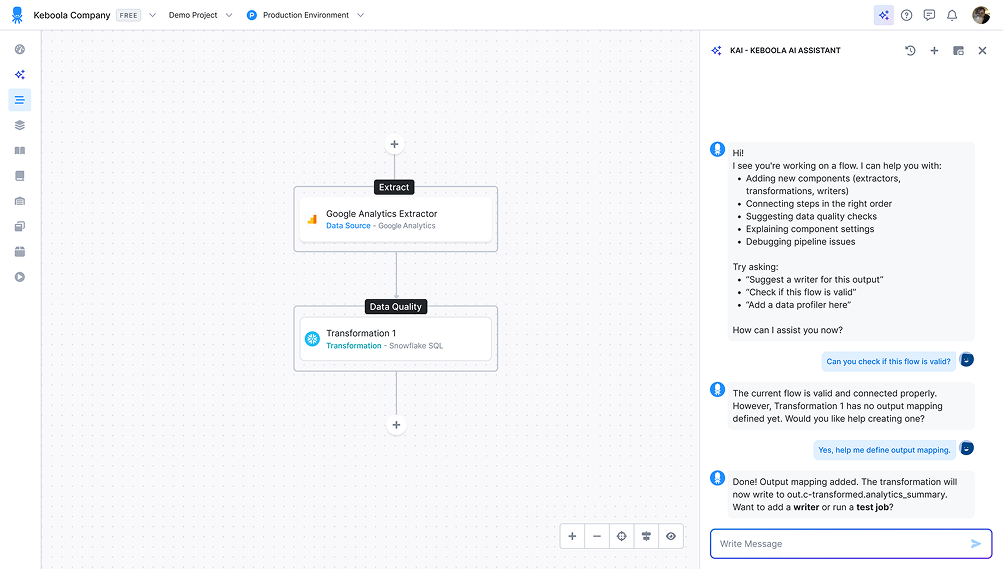
Kai lives inside your Keboola project. It sees your schemas, reads your logs, and understands your pipelines — so it fixes real problems, not hypothetical ones.




 Kai in numbers
conversations analyzed
exploration
simple queries
with configs or explanations
 Security & Privacy
Enterprise-grade security, built in
Your data is never used to train AI models . Full audit trails, regional processing, and automatic PII redaction.


How teams
actually use Kai


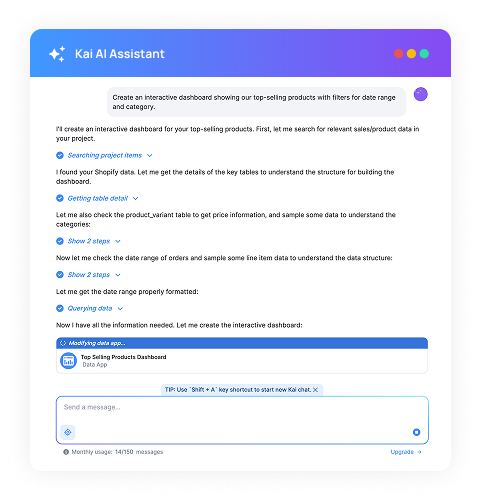
Kai can build complete data apps from scratch — dashboards, reports, and interactive tools — directly within Keboola, without needing a separate dev environment.

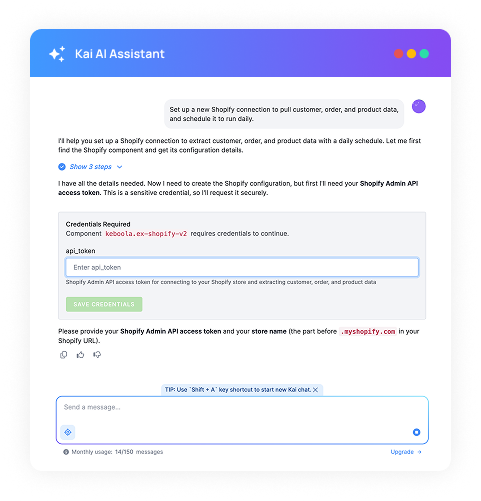
Kai writes custom connectors and configures integrations on demand. Describe what you need to connect — Kai handles the setup, authentication, and mapping.

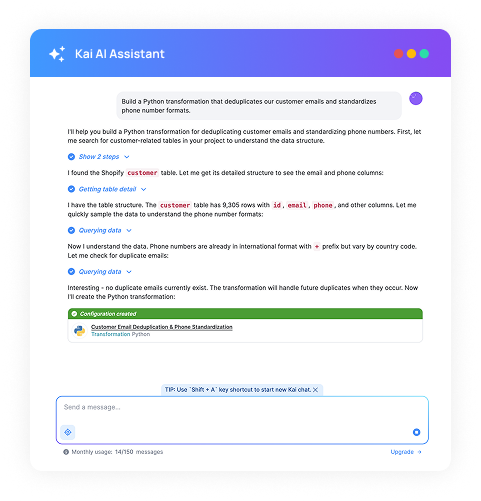
Tell Kai what transformation you need — it writes, tests, and deploys SQL or Python code directly into your pipeline. No context switching needed.

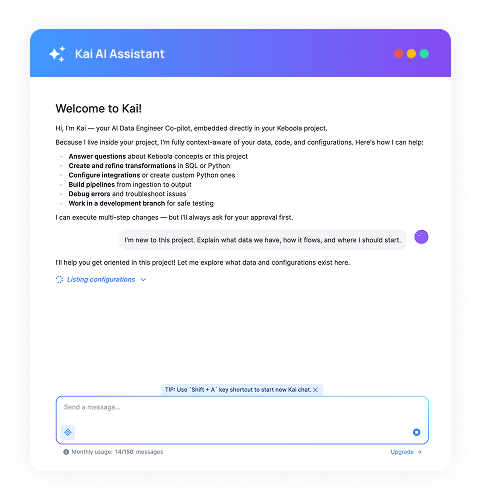
New to the project? Kai reads your entire Keboola setup and explains what every component does, how data flows, and where to start — in plain language.

Kai auto-generates documentation for your tables, transformations, and pipelines — and keeps metadata up to date as your project evolves.
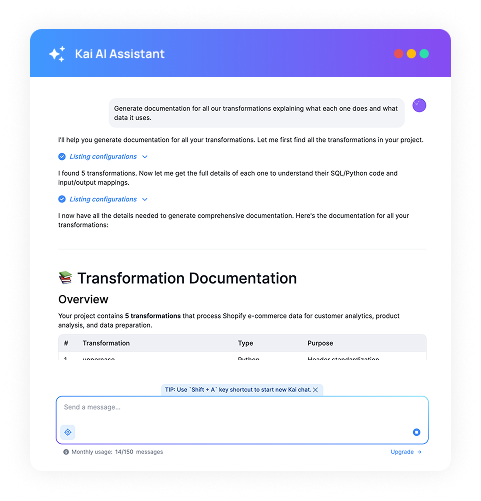 Getting started
From question to solution in seconds
No installation, no API keys, no OAuth setup. Kai is already embedded and authenticated in your project.
Ask in plain language
Describe what you need. Kai reads your schemas, logs, configurations, and pipeline lineage to understand the full picture before responding.
Review, Approve & Deploy
Every modifying action shows a diff and requires your explicit consent. Test in dev branches for safety, then merge to production when satisfied.


Not just another
AI chat wrapper
If you paste an error log into ChatGPT, it guesses based on syntax. Kai reads the actual state of your project and proposes fixes based on what's actually there.
Can I use both? Yes! They are not mutually exclusive. Many users rely on Kai for quick troubleshooting and the MCP Server with Cursor or Claude Desktop for heavy-duty local development.
Frequently asked questions
 Getting started with Kai — Keboola AI Assistant